
Audio trimming
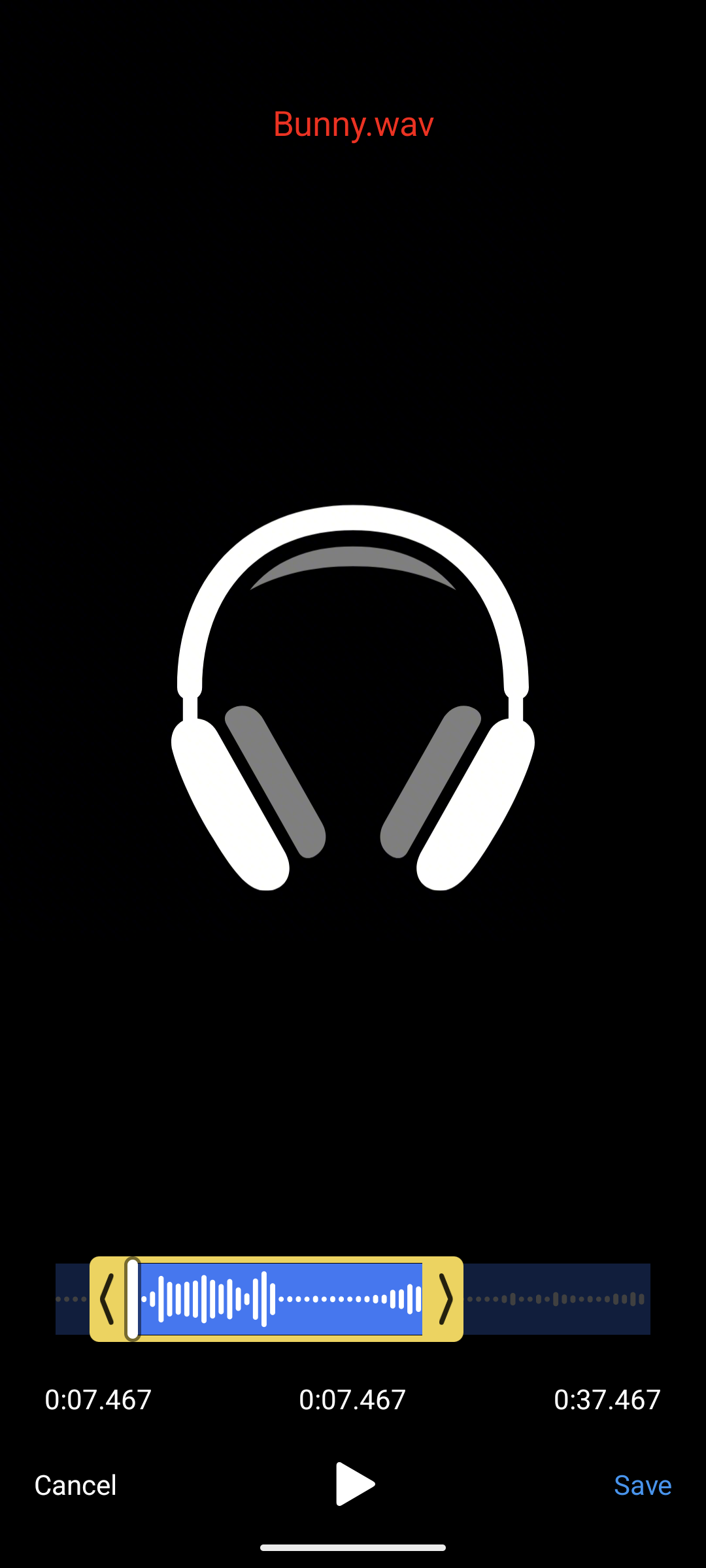
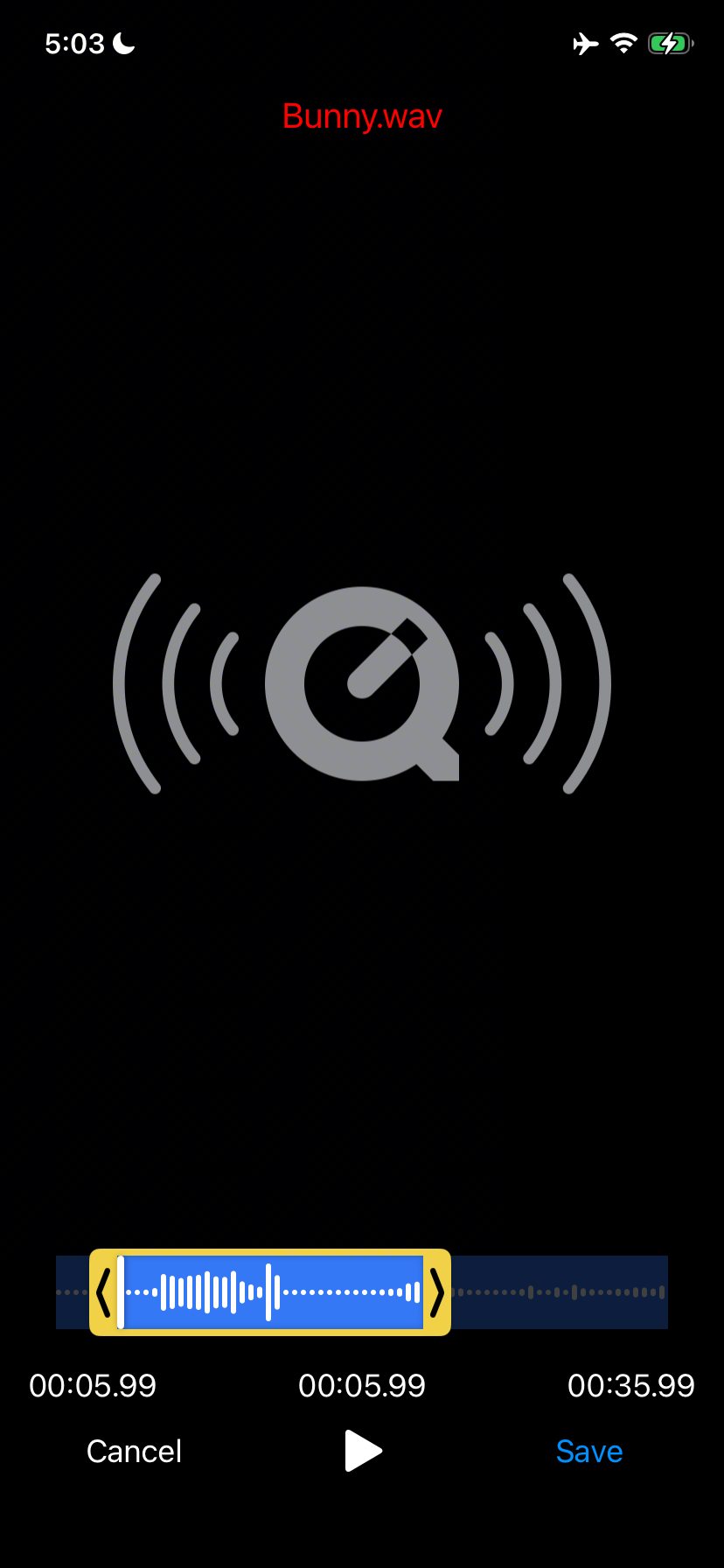
Set type: 'audio' to trim audio files. The editor replaces the thumbnail timeline with a waveform and hides the video edit toolbar.
showEditor(audioUri, {
  type: 'audio',
  outputExt: 'wav', // or 'm4a', 'mp3', ...
  maxDuration: 30_000,
});
Pick an outputExt your FFmpegKit build can encode. m4a (AAC) and wav work with the default builds; mp3 needs a build with libmp3lame.
The waveform
Each bar shows the RMS level of a slice of the audio, normalized so the loudest bar fills the track. When the user zooms in, the visible range is decoded again at a higher resolution; zooming out restores the full view instantly.
For a remote audio file, the waveform is built from a temporary local copy that is downloaded once and reused on every zoom. The copy is deleted when the editor closes.
Customizing it
| Option | Default | Description |
|---|---|---|
waveformColor | 'white' | Bar color. |
waveformBackgroundColor | '#3478F6' | Track background behind the bars. |
waveformBarWidth | 3 | Bar width in dp/pt. |
waveformBarGap | 2 | Gap between bars in dp/pt. |
waveformBarCornerRadius | 1.5 | Bar corner radius in dp/pt. |
showEditor(audioUri, {
  type: 'audio',
  outputExt: 'm4a',
  waveformColor: '#1b1b1f',
  waveformBackgroundColor: '#F1D247',
  waveformBarWidth: 2,
  waveformBarGap: 1,
  waveformBarCornerRadius: 1,
});
You can preview waveform colors in the theme playground by switching the media type to audio.
Headless audio trimming
trim() works for audio too:
const { outputPath } = await trim(audioUri, {
  type: 'audio',
  outputExt: 'm4a',
  startTime: 10_000,
  endTime: 40_000,
});
To pull the audio out of a video instead, use extractAudio().